Flutter Rogue
Flutter Rogue
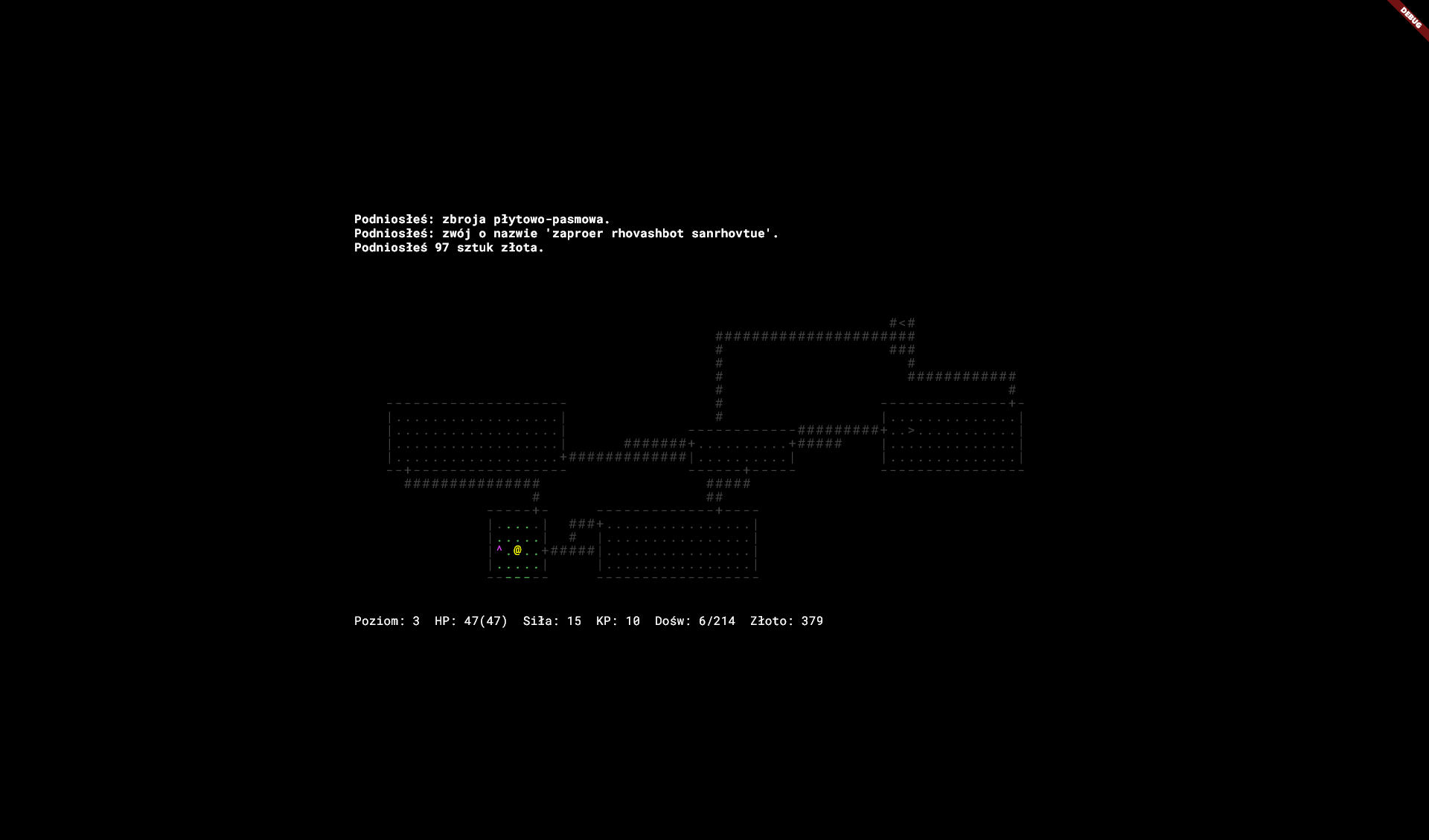
Flutter Rogue is a faithful, modern recreation of the legendary 1981 roguelike classic Rogue (version 3.6.2). Rebuilt from the ground up using the Flutter framework and powered by Dart, it retains the pure, uncompromising turn-based mechanics and retro ASCII aesthetics of the original C source code.
Delve deep into the Dungeons of Doom to retrieve the legendary Amulet of Yendor and escape back to the surface. But beware—death is permanent, and the dungeon does not forgive mistakes.
Key Features:
If you use the Fullscreen button, the game window may temporarily lose focus. Click anywhere inside the game screen once after entering fullscreen to restore keyboard controls!
- Procedural Dungeons: Every playthrough features random level generation including dark rooms, secret doors, hidden traps (trapdoors, poison darts, sleep gas, and bear traps), and winding mazes.
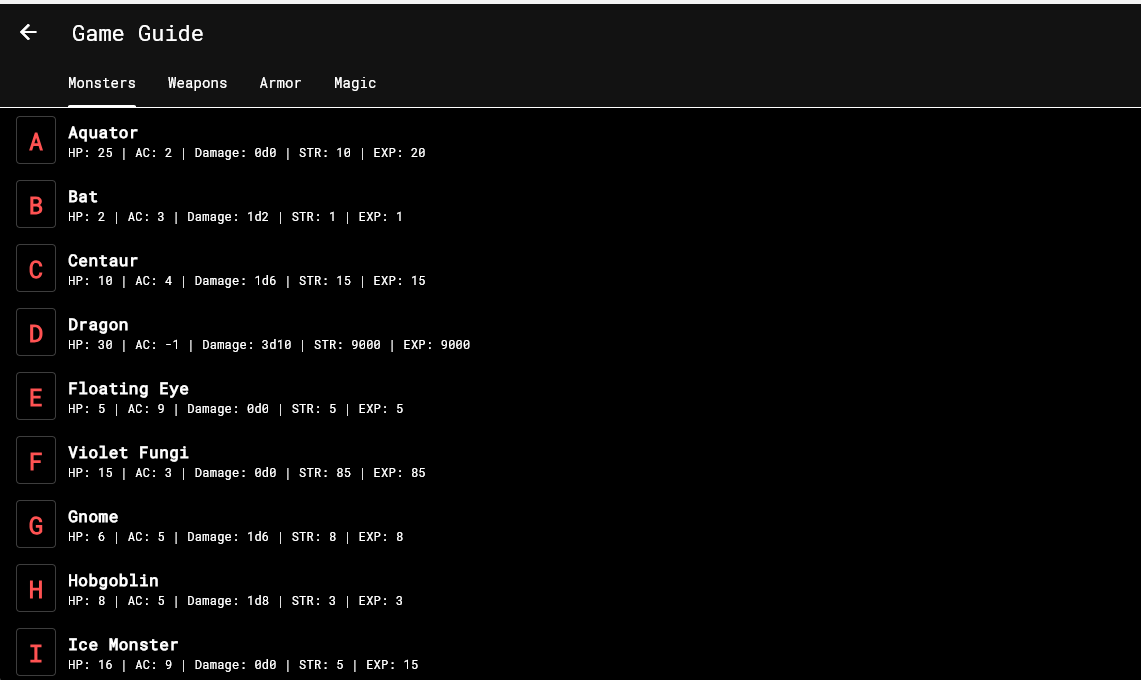
- Complete Bestiary: Encounter all 26 classic monsters (A-Z) with their original D&D-inspired stats and special abilities (rusting armor, draining levels, stealing gold, or turning invisible).
- Deep Tactical Combat: Turn-based grid combat using classic d20 attack rolls, strength modifiers, and range-based projectile throwing.
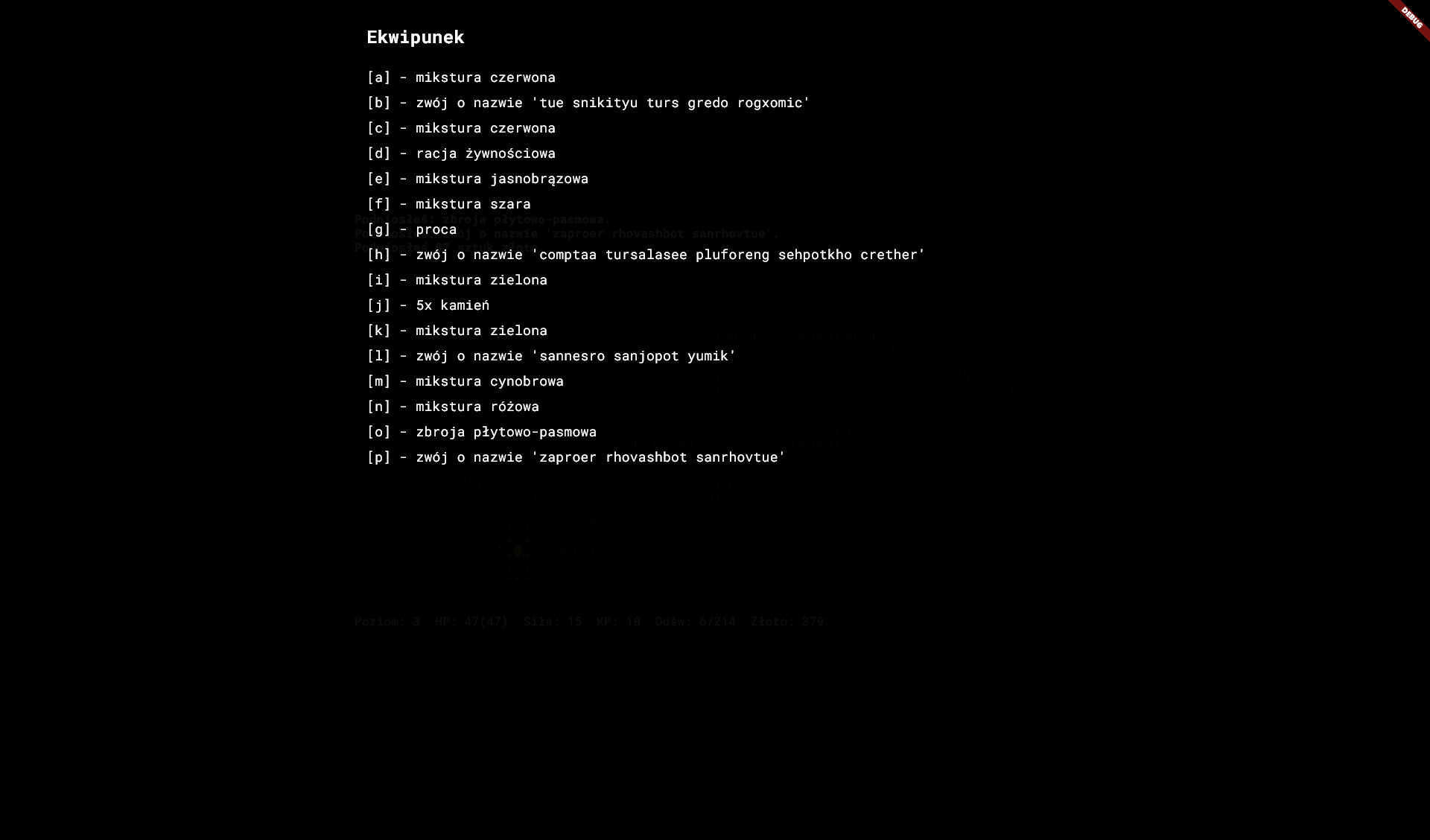
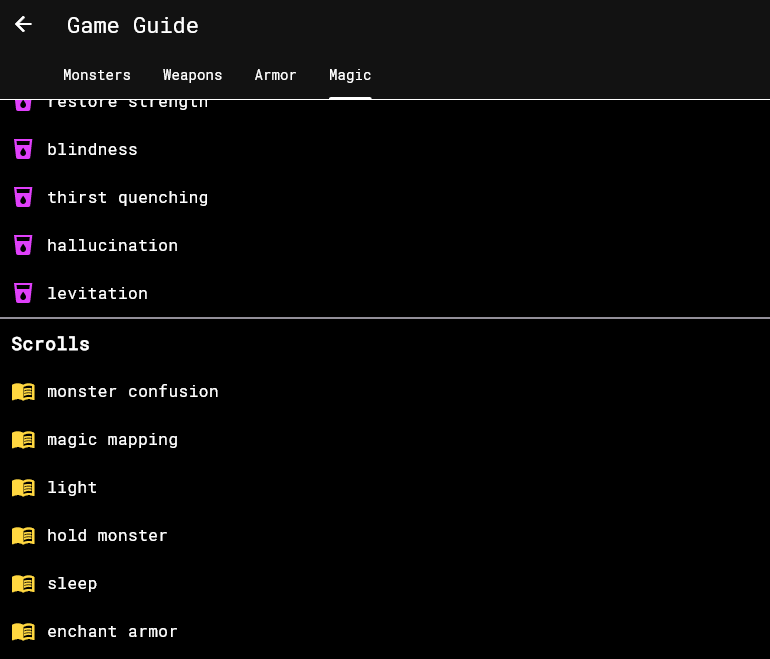
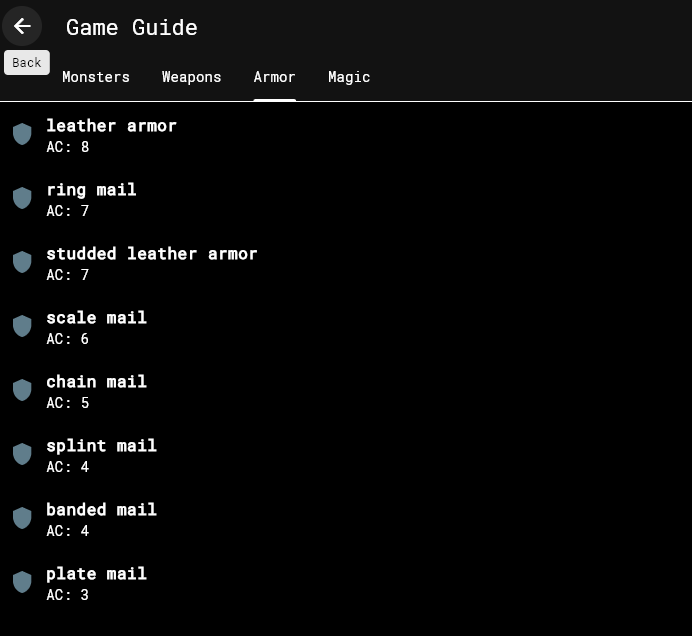
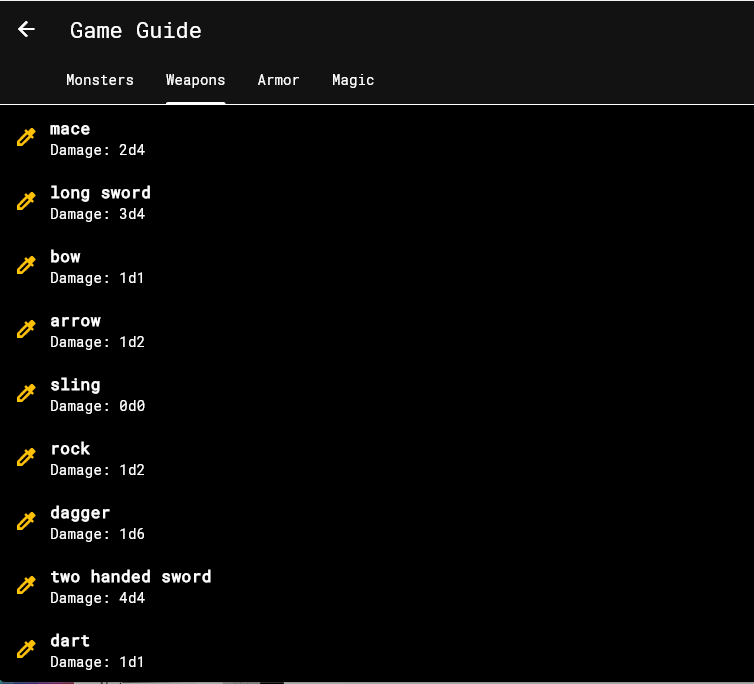
- Dynamic Magic & Loot: Wield weapons, wear armor, quaff mysterious potions, read magical scrolls, zap powerful wands, and wear magical rings.
- True-to-Source Daemons: Features original survival systems including hunger, natural healing rates (quiet turns), and item identification.
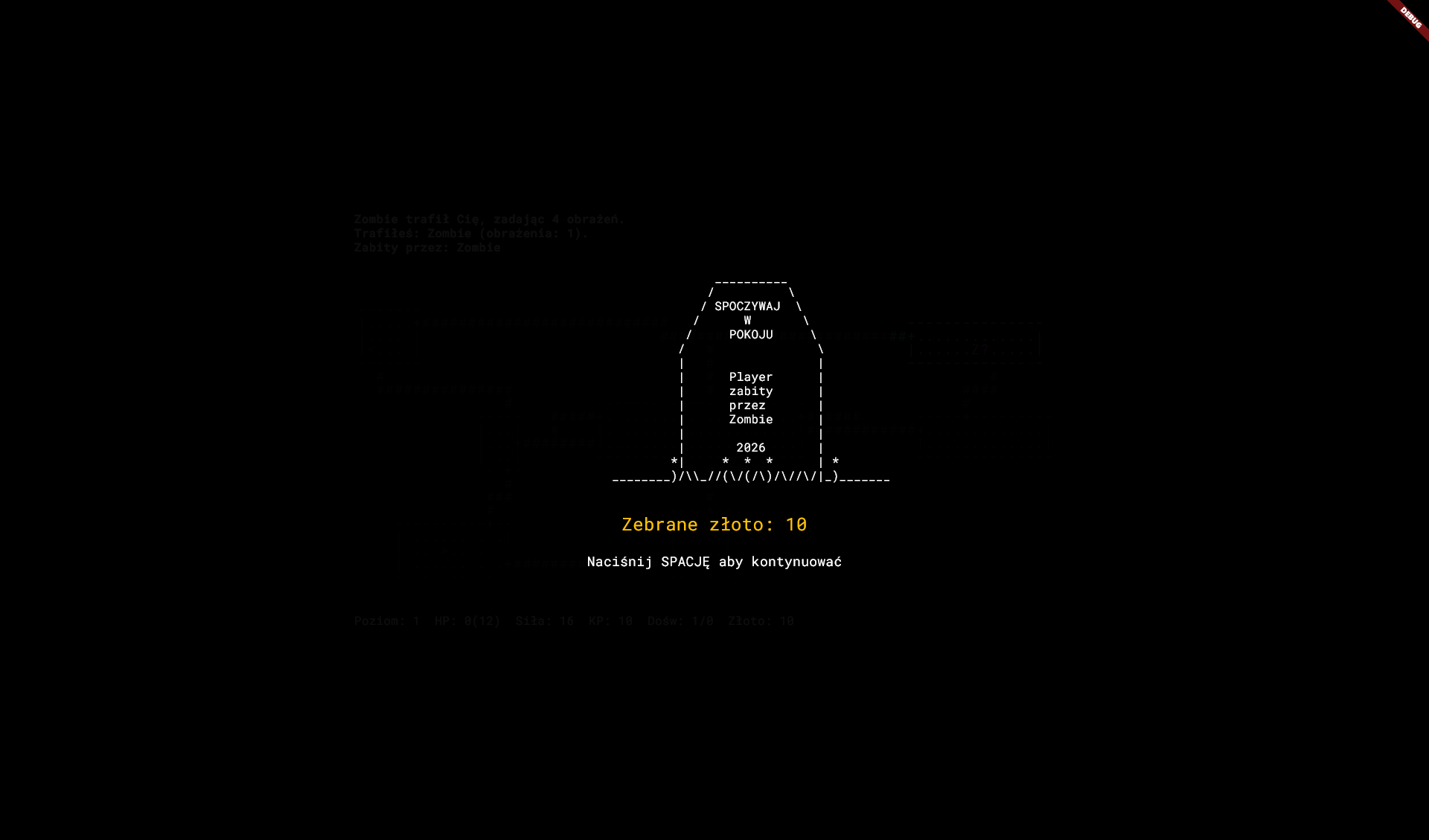
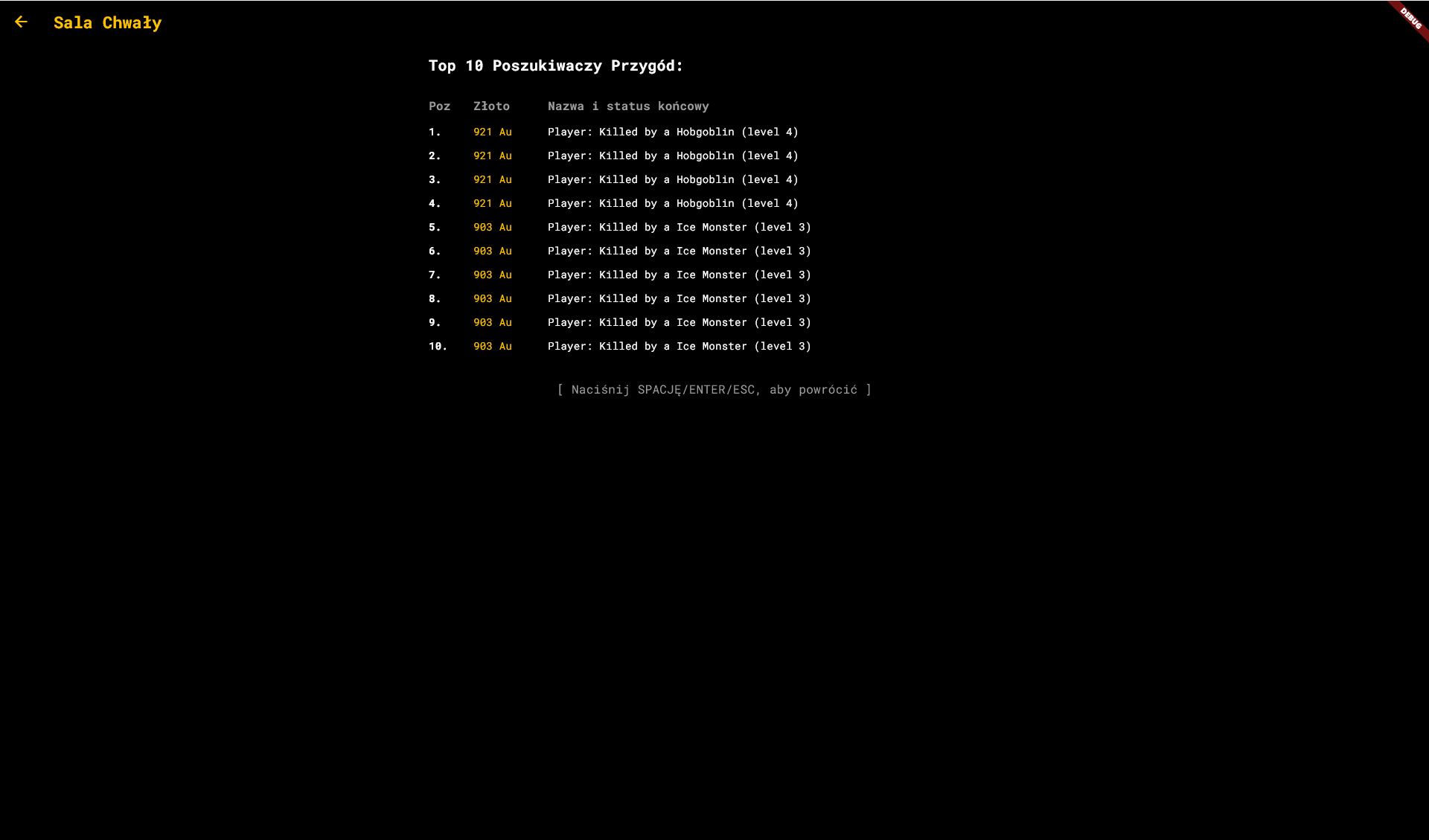
- Permadeath & High Scores: Save your progress safely. However, loading your save deletes it immediately. If you die, your name and score will be immortalized on the local RIP Tombstone and Leaderboard.
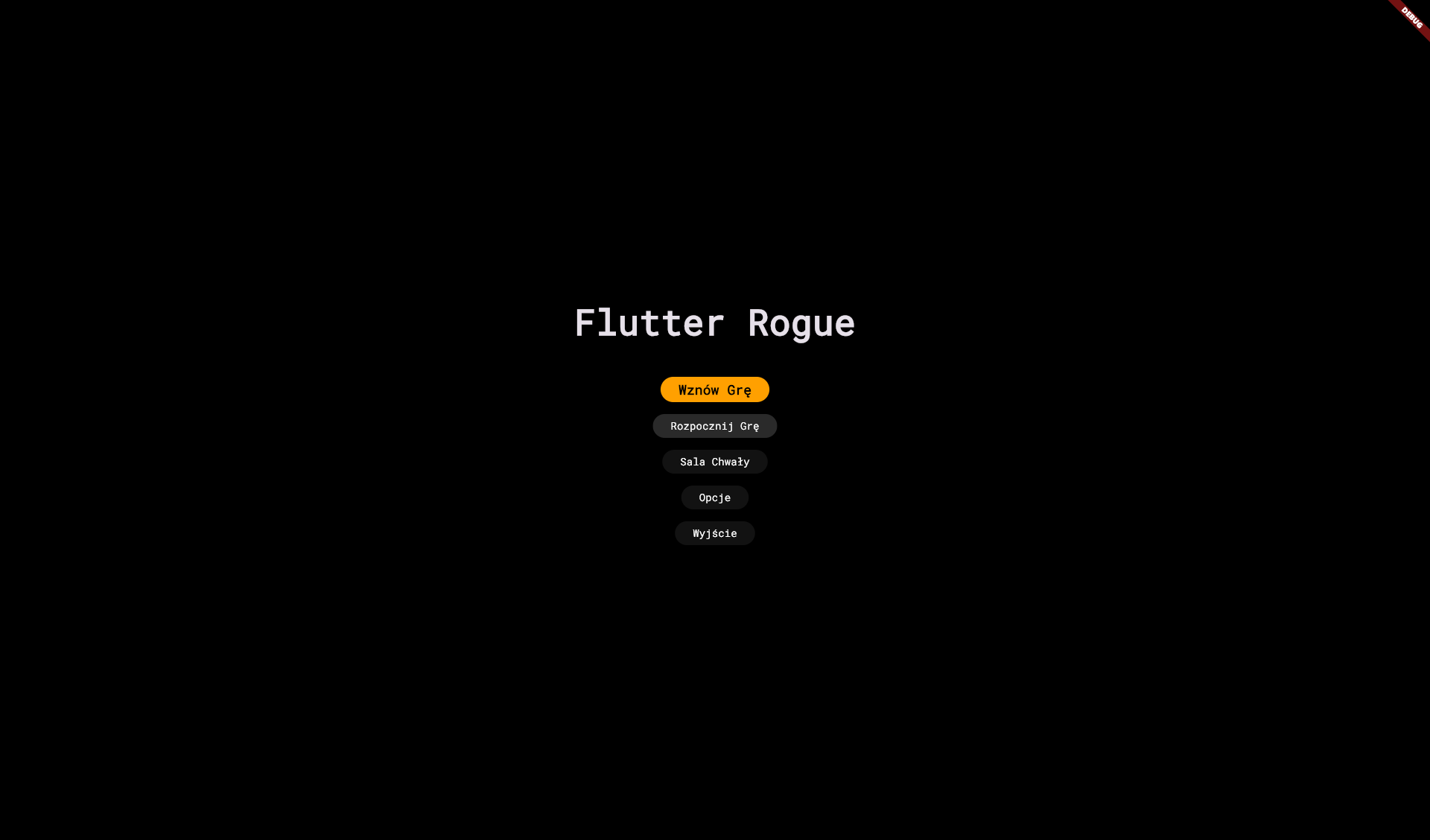
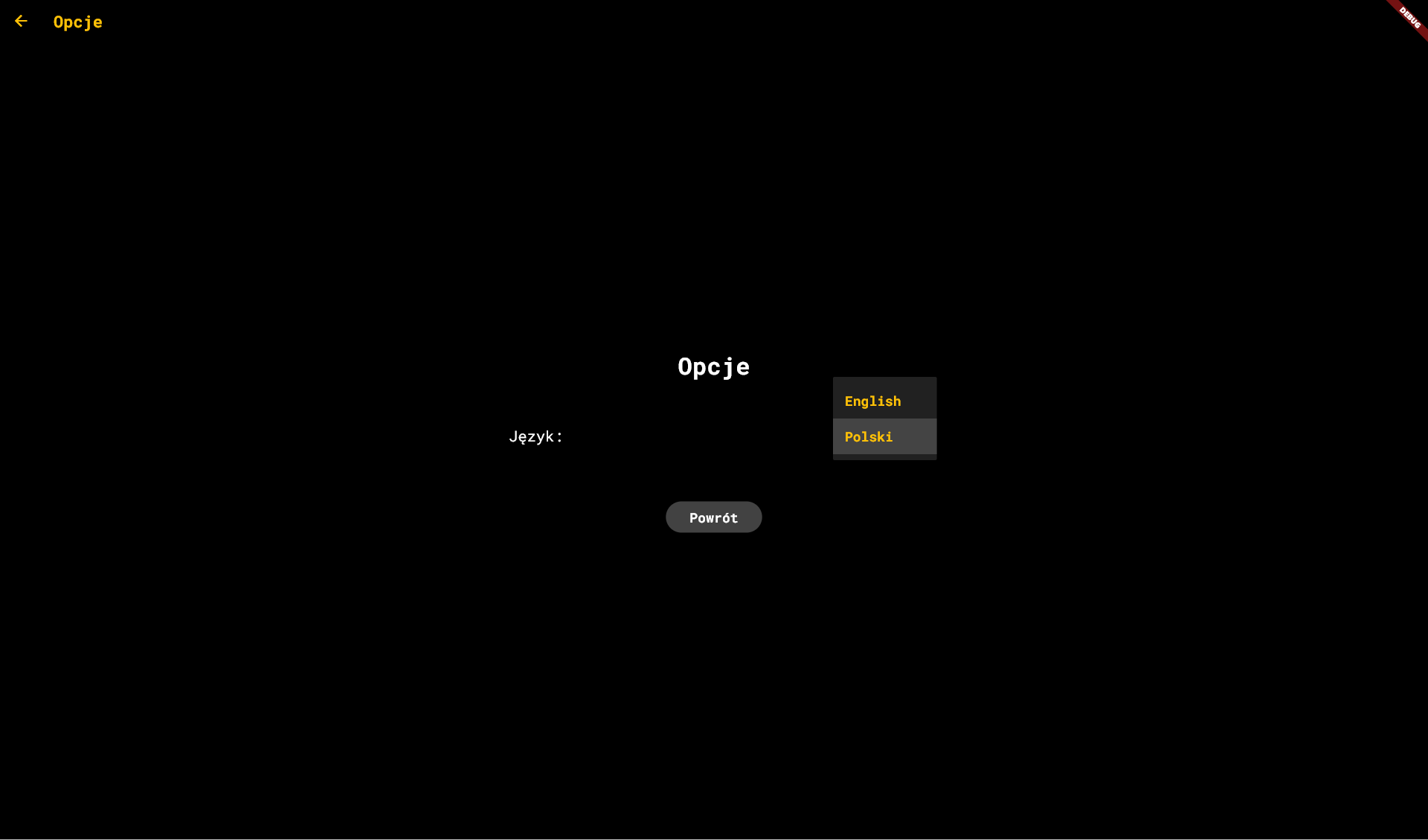
- Bilingual Support: Fully localized in English and Polish (text and log translation).
Controls (How to Play):
Movement & Actions:
Arrow KeysorNumpad (1-9)– Move in any of the 8 directions (including diagonals, e.g.,7for Up-Left,9for Up-Right) or bump into a monster to attack it.s– Search: Gropes about adjacent tiles to search for hidden doors and traps (20% chance of discovery per attempt).SpacebarorEnter– Restart the game (on the death screen) or proceed through game menus.
Inventory & Item Management:
i– Toggle Inventory: Opens/closes the backpack.- While inside the inventory: Press the corresponding letter key (
a-z) next to an item to use/wear/drink it. The game automatically handles the default action (quaffing potions, reading scrolls, eating food, equipping weapons/armor, or wearing rings).
- While inside the inventory: Press the corresponding letter key (
d– Drop Item: Toggles Drop Mode. Open the inventory and press the letter (a-z) of the item you want to drop on the floor under your character.t– Throw Item: Toggles Throwing Mode. Select an item from your inventory and press a direction key (Arrow or Numpad) to throw it.Escape (ESC)– Cancel current action, cancel zapping/throwing direction, or close the inventory.
System:
Shift + S– Save & Exit: Safely saves your current run and exits to the main menu.Shift + G(Dev Cheat) – Toggle God Mode (Invincibility).Shift + F(Dev Cheat) – Toggle Fog of War (Reveal the whole level layout, monsters, and items).Shift + L(Dev Cheat) – Skip directly to Dungeon Level 26.
Note: If shortcuts/keys aren't responding after toggling Fullscreen, click the game screen once to focus it.
Development log
Leave a comment
Log in with itch.io to leave a comment.